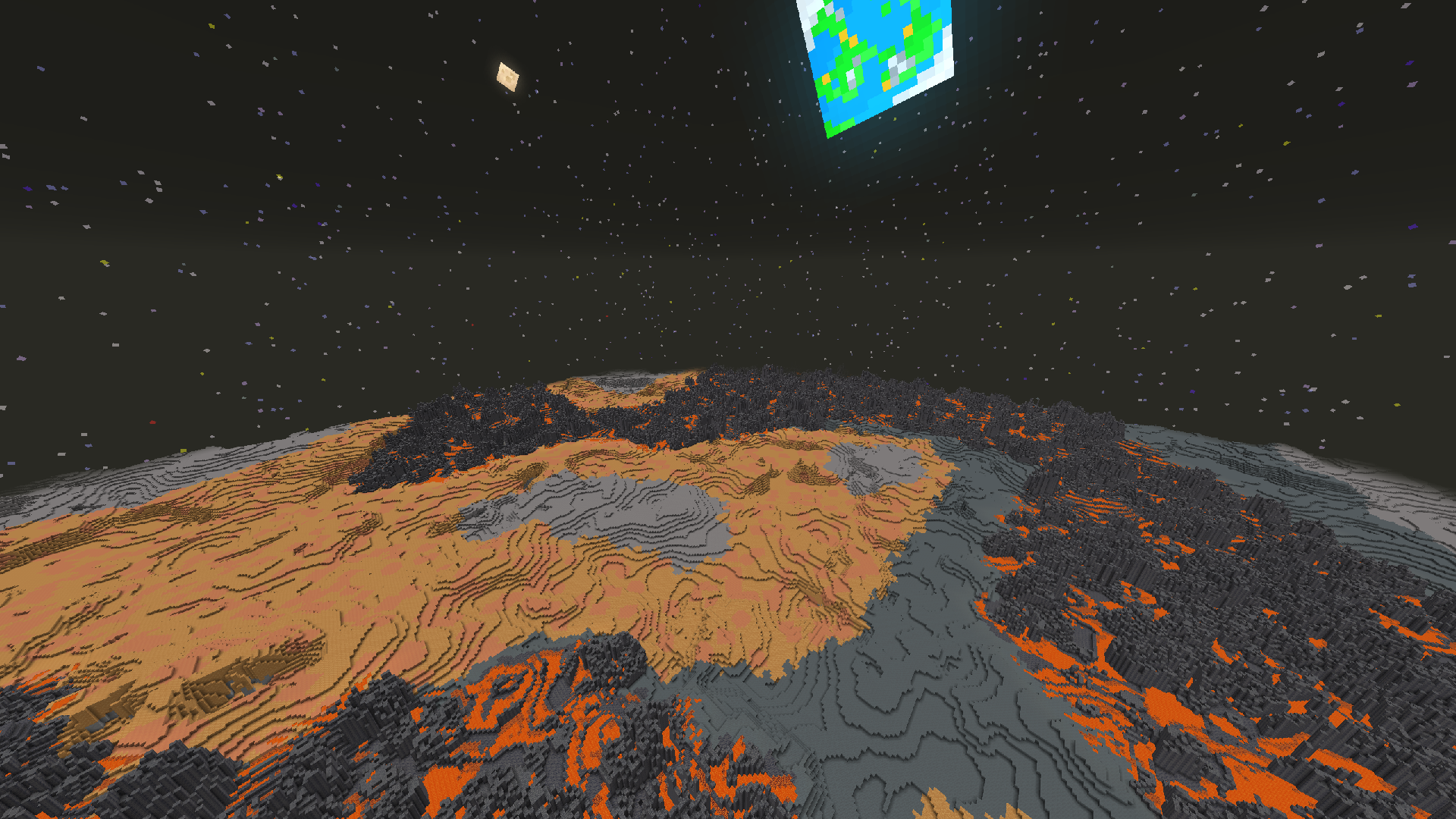
“Ad Astra Mod Minecraft Bedrock” is a common search phrase, but it combines two different modding systems. A Java mod is not installed into Bedrock Edition by copying the same file to a mobile or console game.
Java mods and Bedrock add-ons are different
Minecraft Java commonly uses loaders and mod files inside instance folders. Bedrock uses add-ons, behavior packs, and resource packs with a different packaging and capability model.
What this means for downloads
Do not rename or repackage a Java mod file and expect it to become a Bedrock add-on. If you find a Bedrock project using similar branding, verify who created it, which Bedrock versions it supports, and what files it actually installs.
How to avoid misleading compatibility claims
Check the platform first, then the game version, then the file format. A page that calls the same archive “Java, Bedrock, and PE compatible” without explaining separate builds should be treated cautiously.
Best route for Bedrock players
Look specifically for documented Bedrock add-ons made for your edition and version. This site focuses on the Java mod workflow and does not present Java files as Bedrock-compatible.
Related setup path
For installation, compatibility, and download context, return to the main Ad Astra mod download section or review the complete guide library.