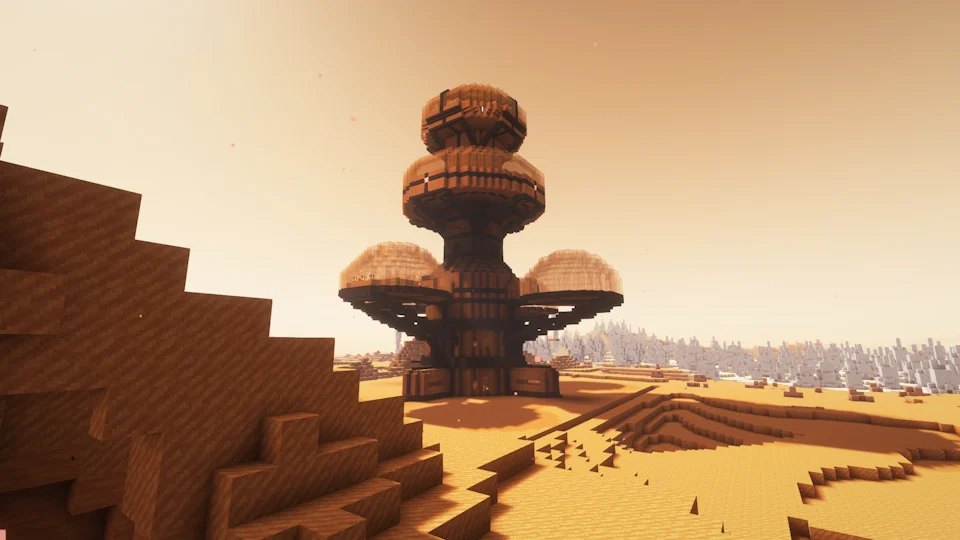
Minecraft PE is now part of the Bedrock family, so the old “Pocket Edition” label often appears in searches even though the modding workflow is not the same as Minecraft Java Edition.
PE now follows the Bedrock ecosystem
Mobile Minecraft uses the Bedrock add-on system. Java mod loaders and Java mod files are not installed through the same folder-based workflow on a standard mobile Bedrock installation.
Why search results can be confusing
Pages may reuse the phrase “Ad Astra Mod for Minecraft PE” for SEO even when the actual file is a Java mod. Always verify the platform and file type before downloading.
What mobile users should check
Look for explicit Bedrock version support, add-on packaging, installation instructions written for mobile, and clear authorship. If those details are missing, do not assume the project is compatible.
Keeping worlds safe on mobile
Back up important worlds before importing any add-on or pack. Even legitimate add-ons can change behavior, world data, or resources in ways that are difficult to reverse.
Related setup path
For installation, compatibility, and download context, return to the main Ad Astra mod download section or review the complete guide library.