Explore Planets
Prepare for space-focused progression and new environments.
Explore Beyond Your World
Ad Astra Mod takes your Minecraft experience to space. Discover new planets, build advanced machines, and explore the universe with a compatibility-first setup.
Prepare for space-focused progression and new environments.
Work with machines, equipment, and technical systems.
Add a long-form exploration goal to a modded Minecraft world.
Ad Astra is a space-focused Minecraft Java mod experience built around exploration, technology, equipment, and progression. Before installing, the important part is matching your Minecraft version, mod loader, dependencies, and companion mods.
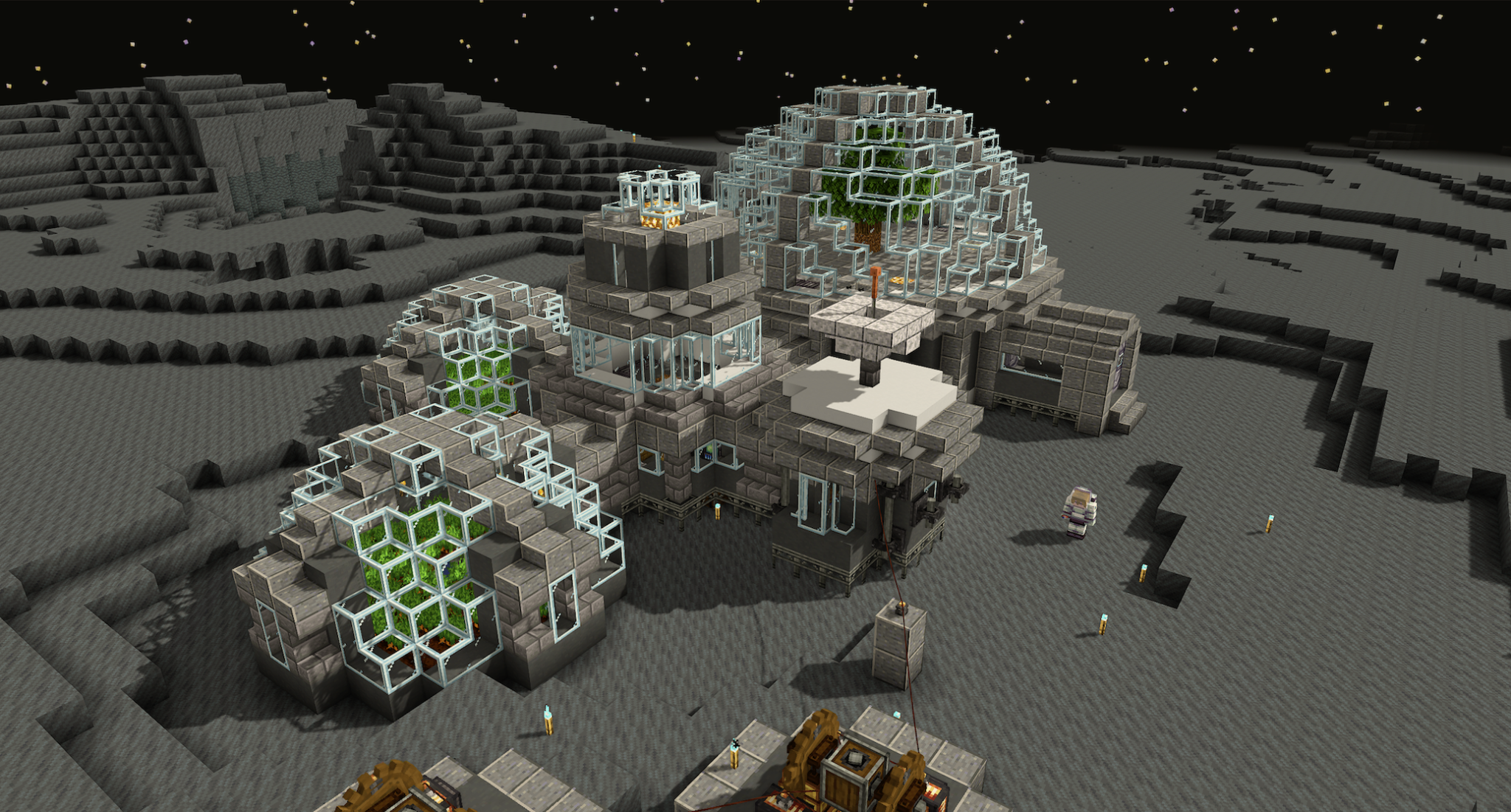
Ad Astra Mod brings a complete space-exploration theme to a compatible Minecraft Java setup.
Travel beyond a normal survival world with space-oriented destinations.
Build progression around launch preparation, travel, and exploration.
Use advanced equipment and technical systems as part of progression.
Work with additional materials, equipment, and crafting goals.
Follow a compatibility-first path before opening an important world.
Use the supplied release destination from the download section.
Match Minecraft, loader, dependencies, and the correct mods folder.
Open the matching profile and review any loader messages carefully.
Test a backup world first, then begin your space progression.
Java, Bedrock, and mobile searches can look similar while using completely different installation systems.
| Platform | Typical format | Ad Astra workflow |
|---|---|---|
| Minecraft Java Edition | Loader + mod files | Primary workflow — match game version, loader, dependencies, and runtime. |
| Minecraft Bedrock | Add-ons / packs | Different ecosystem — Java mod files do not install through the Bedrock add-on system. |
| Minecraft PE / mobile | Bedrock mobile add-ons | Different ecosystem — verify separately named mobile projects before installing anything. |
| Modpack instance | Managed profile | Version-controlled — use the pack's exact tested mod and dependency set. |
Add a long-term exploration goal while keeping backups before major mod changes.
Use Ad Astra inside a carefully versioned pack where recipes and integrations are tested together.
Keep the server and every player on the same compatible loader, mod, and dependency set.
Create or select the correct Minecraft Java profile, confirm the loader, and only then add the compatible mod and required dependencies.
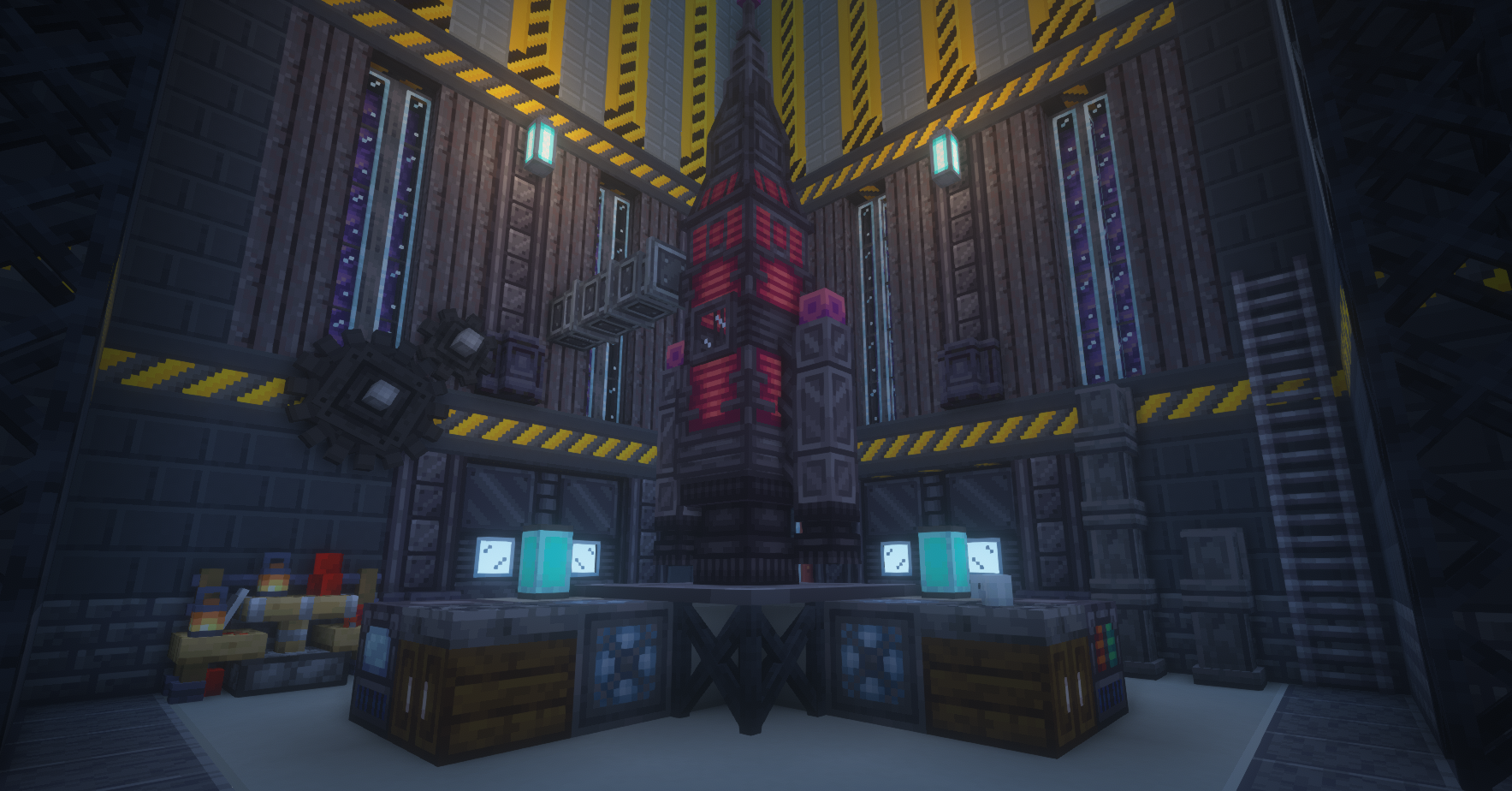
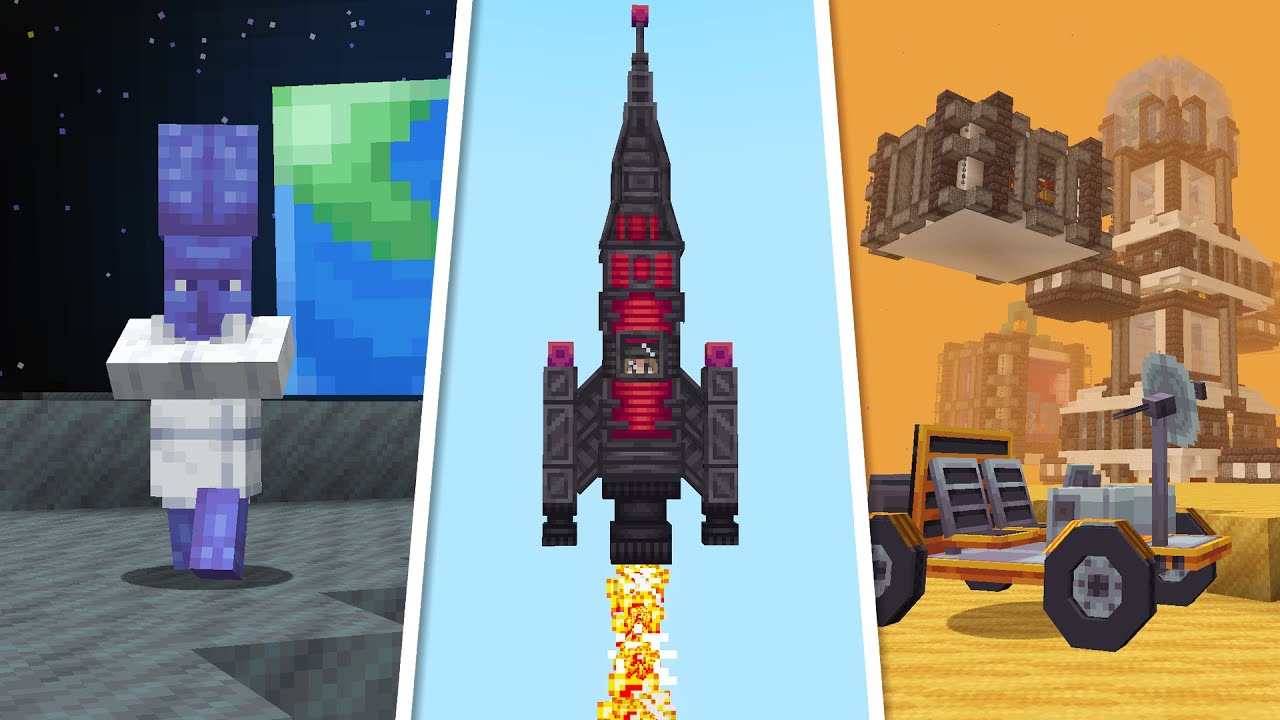
Use the supplied release destination after checking that the file matches your Minecraft Java version, loader, and required dependencies.
Download Ad Astra ModRelease path provided for this project. Back up your instance before replacing an existing build.
Updates, removals, dependency changes, and world-generation changes can affect saved content. A backup gives you a clean recovery point.
A Java mod file should not be presented as a direct Bedrock or mobile add-on. Verify similarly named projects independently.
The supplied download path points to a branch archive labeled 1.21.1. Confirm loader, dependencies, and release notes as part of your compatibility check.
Verify the required loader family and version instead of mixing files built for another loader.
Install the exact dependency identified by the loader and keep all files on the same Minecraft version.
Check the active instance folder and ensure the mod file is not nested inside another archive.
Return to a backup and test changes in a copied world before making more edits.
Start with these three guides, then open the Guide page for all nine articles.
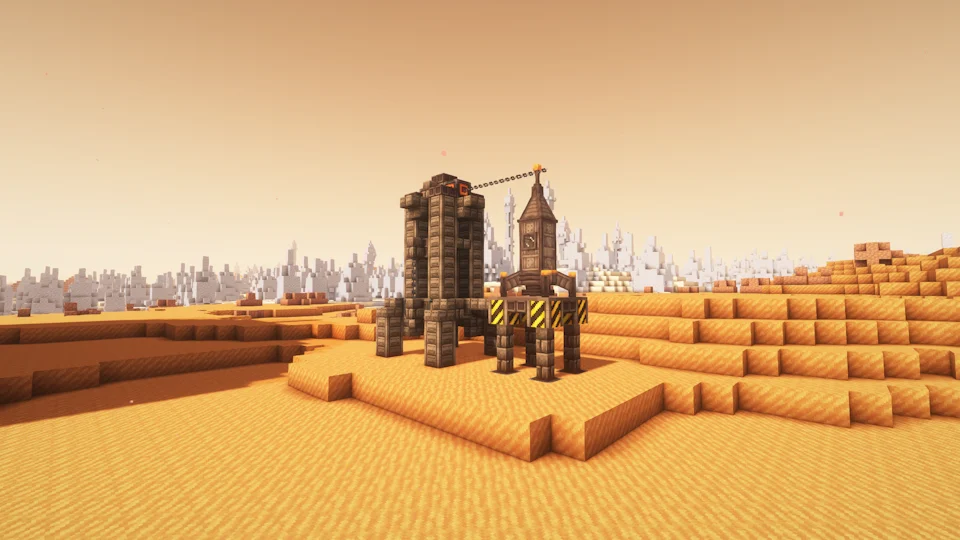
Build a version-matched Java instance and verify the mod cleanly.
Read guide →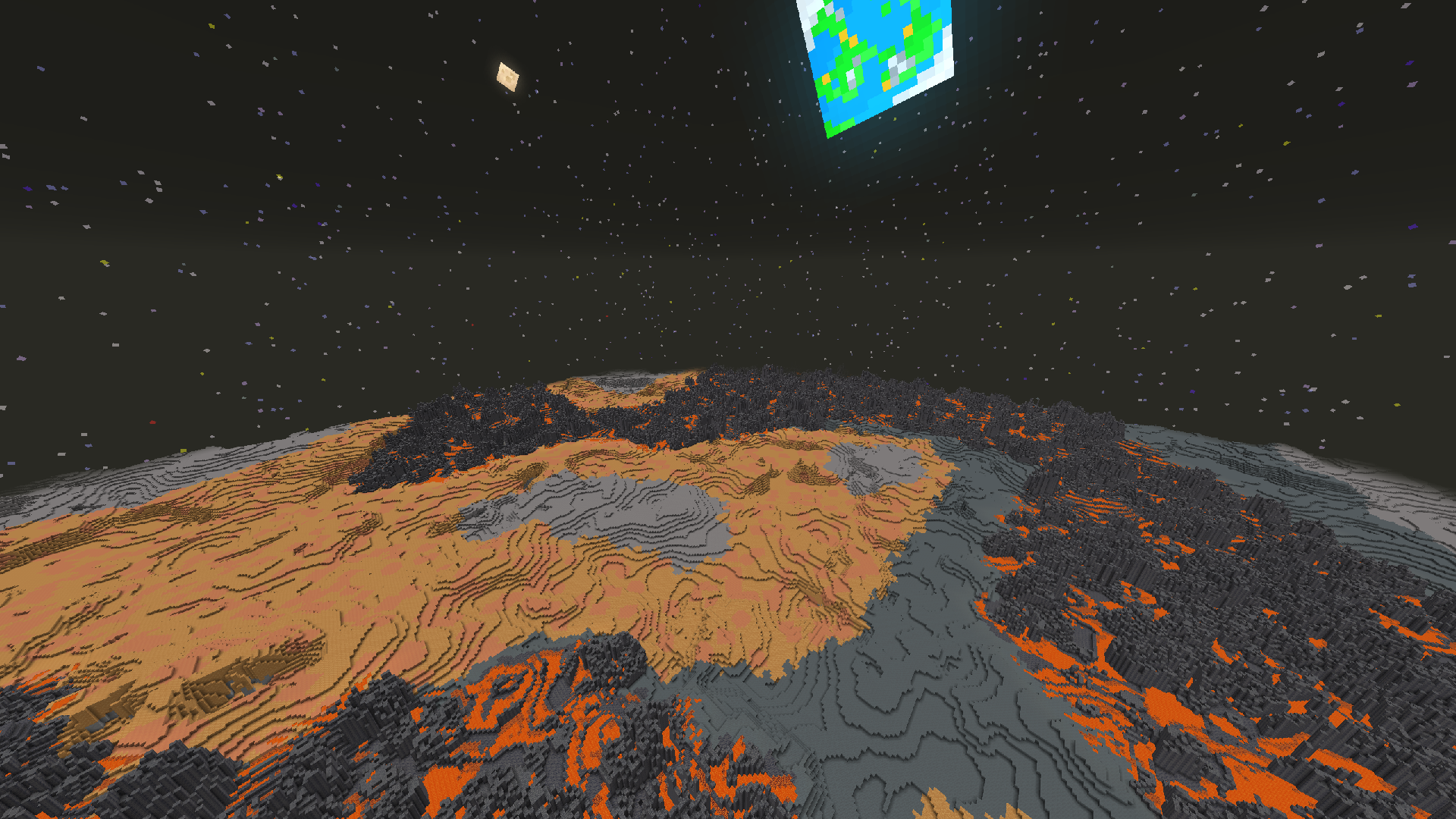
Understand why Java mods and Bedrock add-ons are separate workflows.
Read guide →
Diagnose loader, dependency, folder, and version mismatch problems.
Read guide →Exactly 20 Ad Astra questions in two practical categories. Only one answer opens at a time.