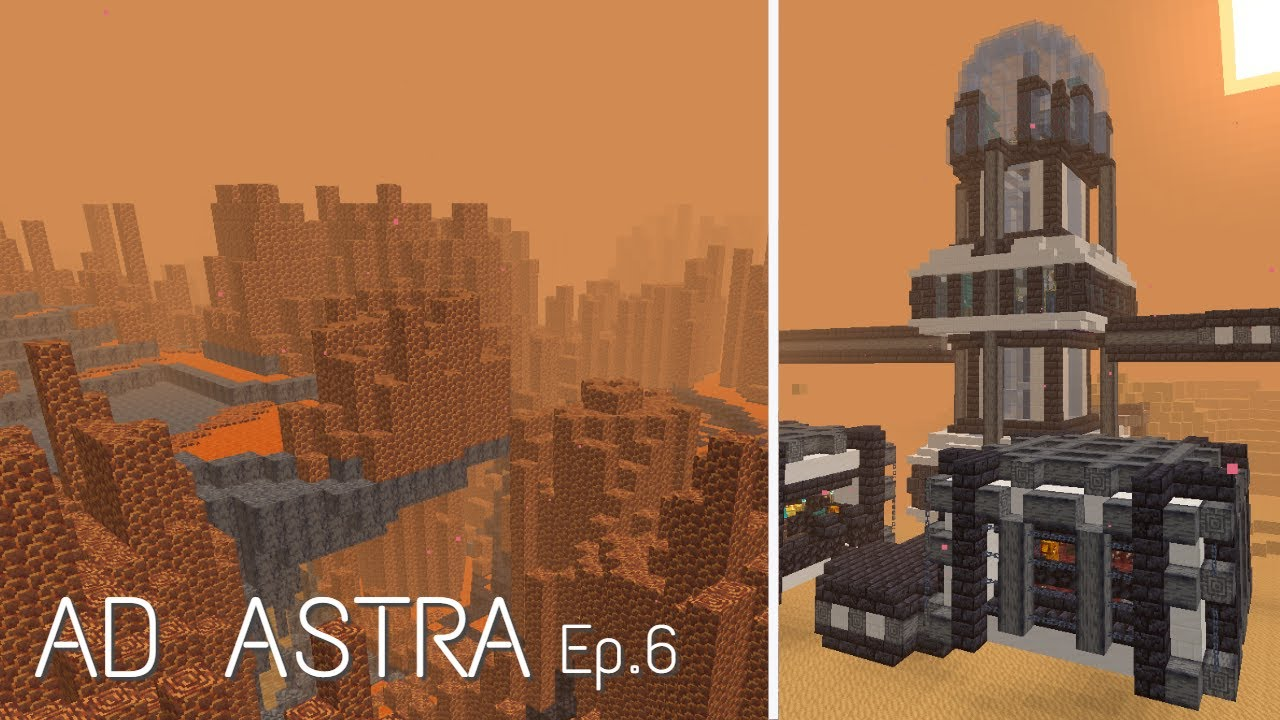
Ad Astra and Create can appeal to the same technical-mod audience, but “works together” is not a single yes-or-no property. Compatibility depends on the complete set of versions and any integration layer used by the pack.
Treat compatibility as a five-part matrix
Record the Minecraft version, loader, Ad Astra version, Create version, and integration/add-on version. A mismatch in any one layer can prevent launch or break recipes.
Test base mods before integrations
Start with a clean backup profile containing only the loader, required dependencies, Ad Astra, and Create. Confirm it launches before adding bridge mods or recipe scripts.
Expect pack-specific recipe changes
A modpack can change crafting recipes and progression using configs or scripting tools. That means a standalone guide may not match the pack experience even when the base mods are compatible.
Use logs to isolate conflicts
If the game fails after adding an integration, compare logs from the working and failing states. Remove one newly added component at a time rather than changing several versions together.
Related setup path
For installation, compatibility, and download context, return to the main Ad Astra mod download section or review the complete guide library.